Online Math Games That Adapt to Each Child's Level
No two kids are at the same place in math. A game that's too easy is boring and one that's too hard is discouraging. Understanding how a game handles level helps you pick one that actually fits your child.
"Adaptive" is a popular word in math apps. It usually means the app watches your child's answers and adjusts the difficulty automatically. That can be helpful, but it's not the only way to match a game to a child.
Two ways games handle level
- Automatic adaptation. The app adjusts the questions based on your child's answers. It's hands-off, but it usually needs an account and a record of your child's answers, and it's built for one child playing alone.
- Levels you choose. You or your child pick the level. It takes a little more attention from you, but you stay in control, and it works when kids play together.
How Fletcher Math handles level
To be clear, Fletcher Math games don't adapt automatically. They let you set the level instead:
- Many games let you choose the grade on the start screen, and the problems match it.
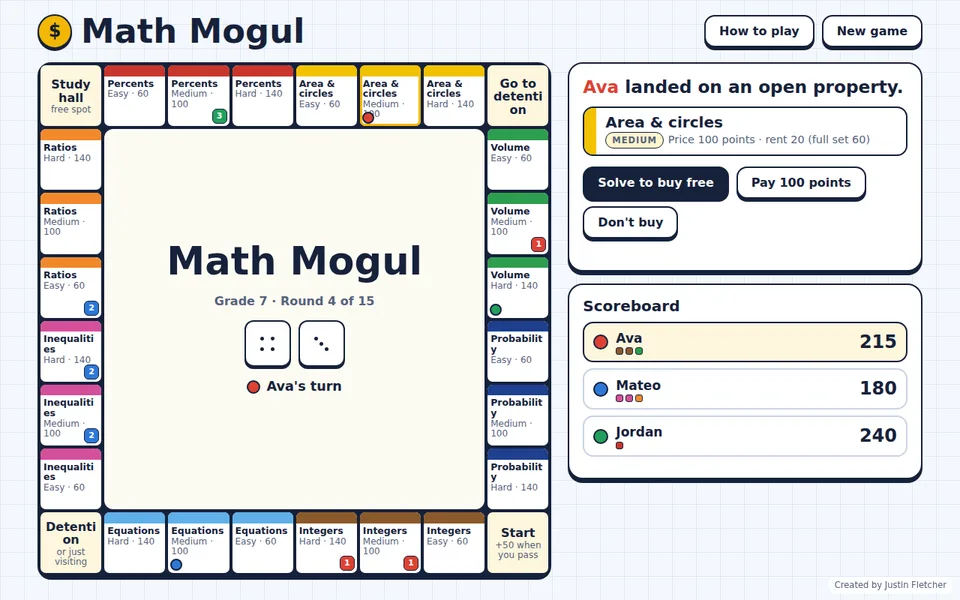
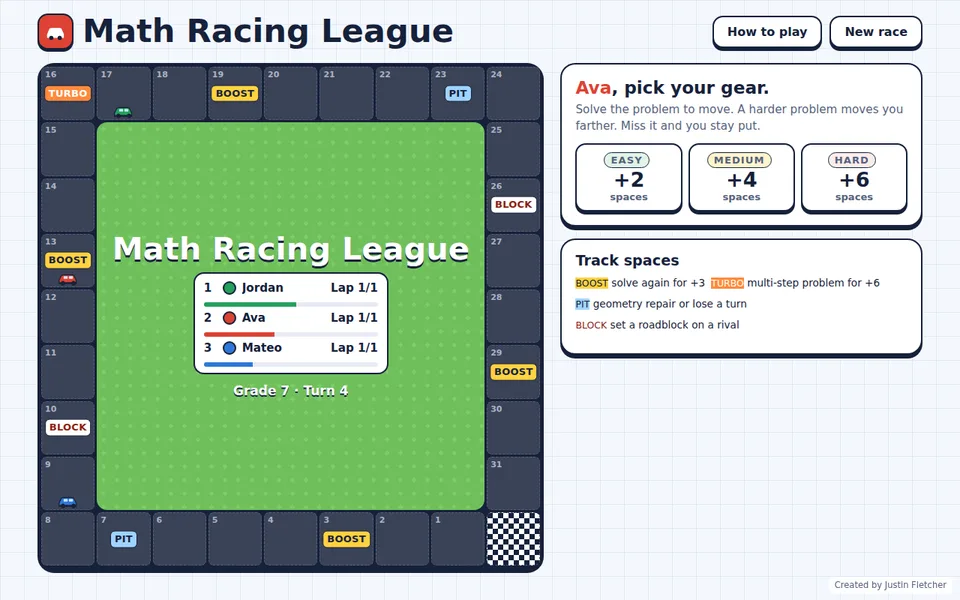
- Games like Math Mogul and Math Racing League let each player choose Easy, Medium or Hard on every turn, so siblings or classmates at different levels can play the same game.
- New problems are generated every game, so a level never runs out.
Because there are no accounts, nothing about your child's answers is stored anywhere.
Tips for finding the right level
- Start a grade below where your child is and move up once they're getting most answers right.
- If your child is frustrated, drop a level. Confidence matters more than difficulty.
- If they're breezing through, move up or let them choose Hard problems.
Common questions
Do Fletcher Math games adapt automatically?
No. You choose the grade on the start screen, and some games let each player pick Easy, Medium or Hard on every turn.
Do the games track my child's answers?
No. There are no accounts, and nothing is sent over the internet.