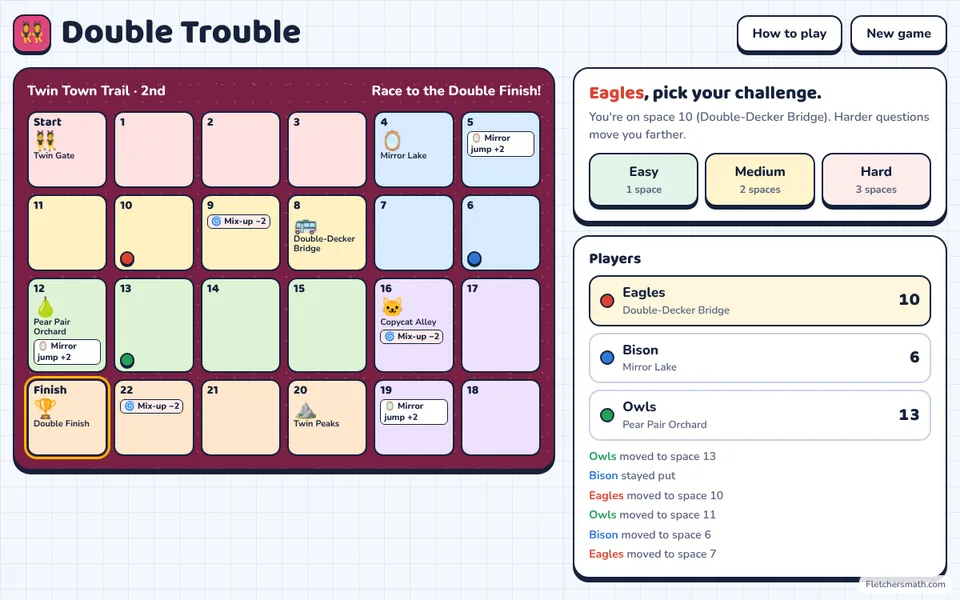
Grades 1–4 · Doubles & halves
Double Trouble
Race through Twin Town with doubles, halves, near doubles and double-and-halve tricks for faster mental math.
Every Fletcher Math game is one file you download once. After that it runs in any web browser with no internet connection, no student logins and nothing to install.
Up to 6 players or teams share one screen, so it works the same on a smartboard for the whole class or on one Chromebook per table.
Race through Twin Town with doubles, halves, near doubles and double-and-halve tricks for faster mental math.
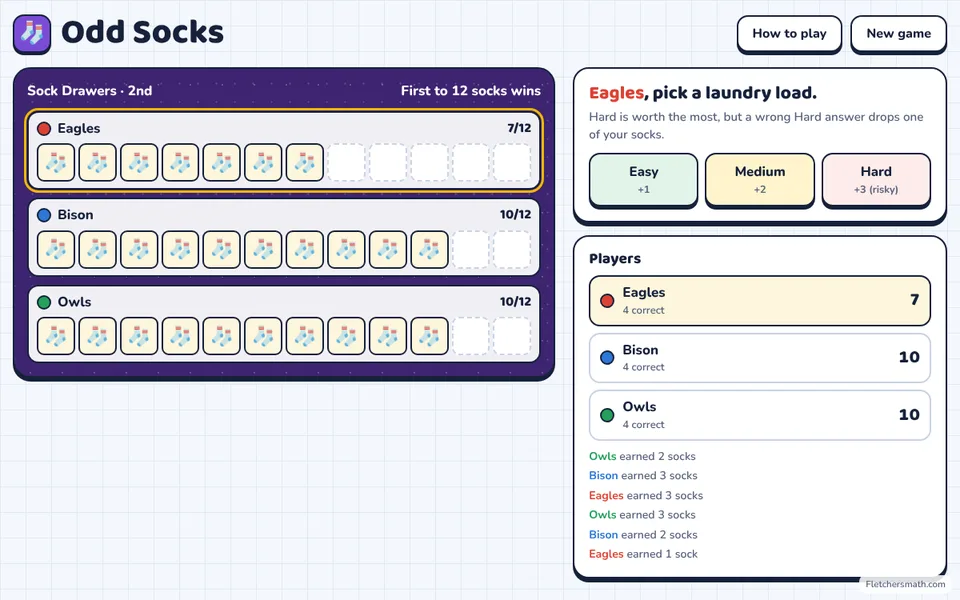
Pair up socks to learn even and odd: count pairs, find the sock with no match, split numbers into equal addends and spot even and odd patterns.
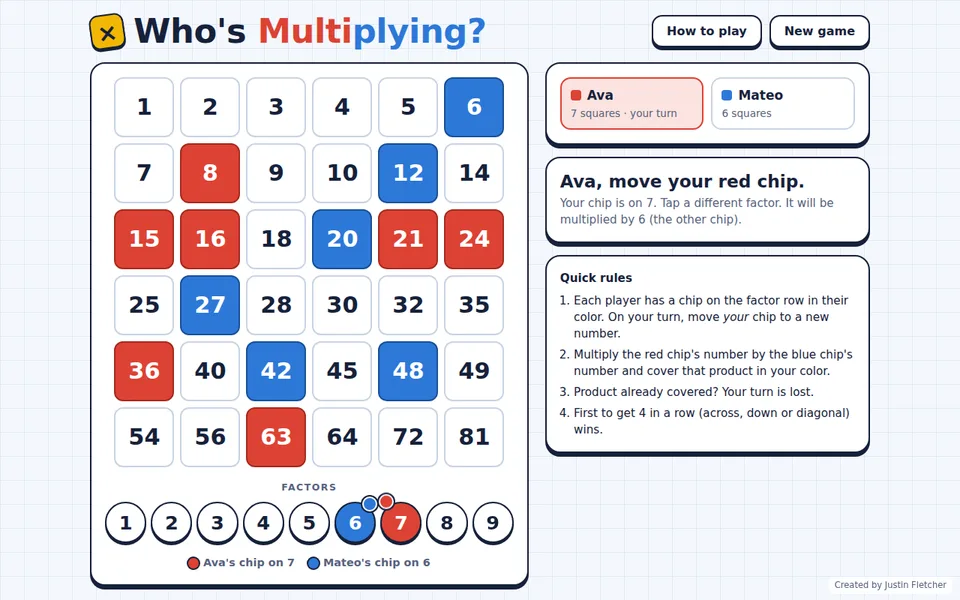
Each player moves their own chip on the 1–9 row. Multiply the two chips, cover the product in your color, and get four in a row before your rival.
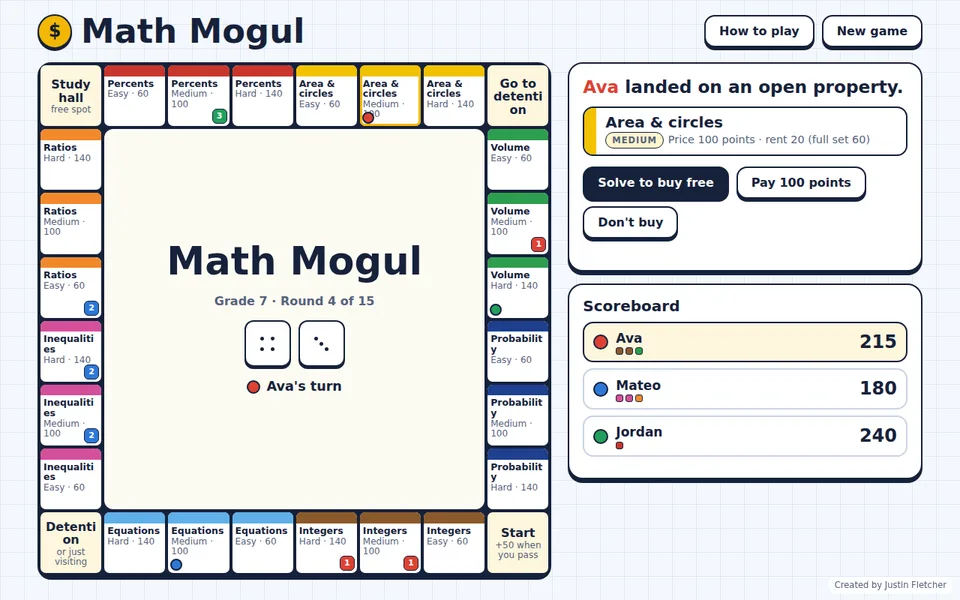
Roll, land on a property and solve its Easy, Medium or Hard problem to buy it free, or pay with points. Trade properties, draw Chance cards, dodge detention and own a whole color set to triple the rent.
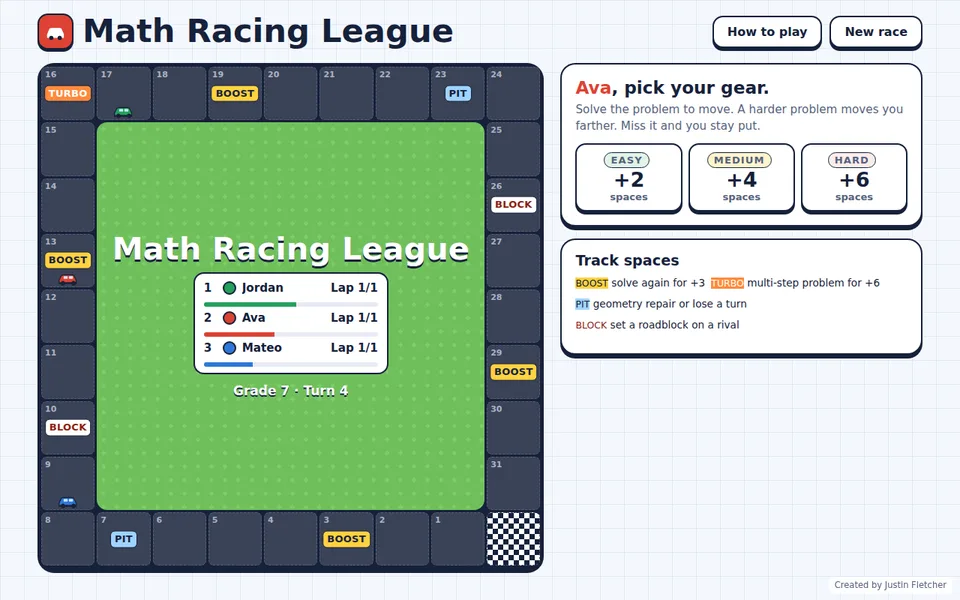
Pick your gear: an Easy problem moves you 2 spaces, Medium 4 and Hard 6. Hit boosts, turbos, pit stops and roadblocks on the way to the finish line.
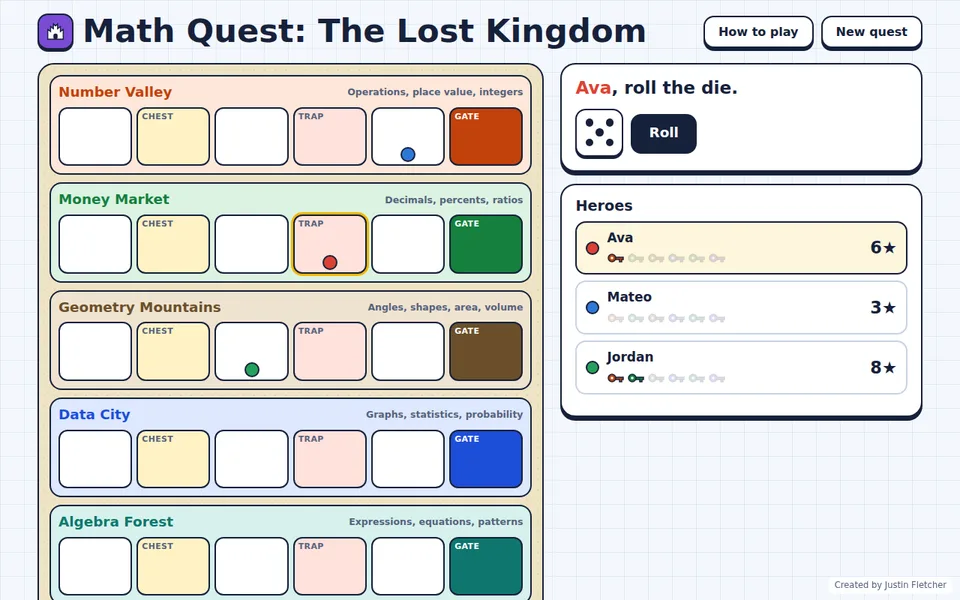
Journey through Number Valley, Money Market, Geometry Mountains, Data City, Algebra Forest and Coordinate Space. Earn a key in each region to reach the Lost Castle.
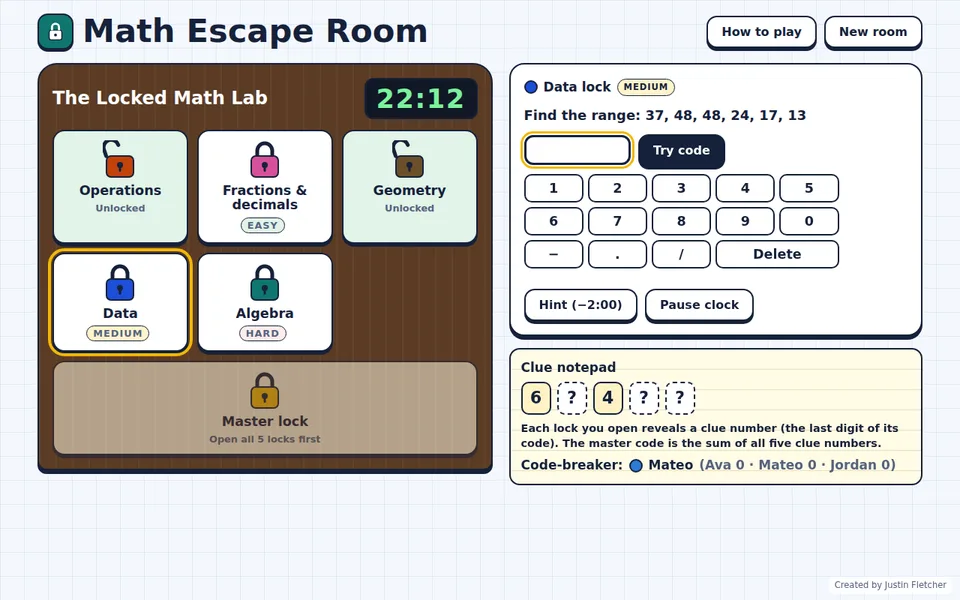
Crack five topic locks before the clock runs out. Each code reveals a clue number, and the clue numbers open the master lock. A new room every game.
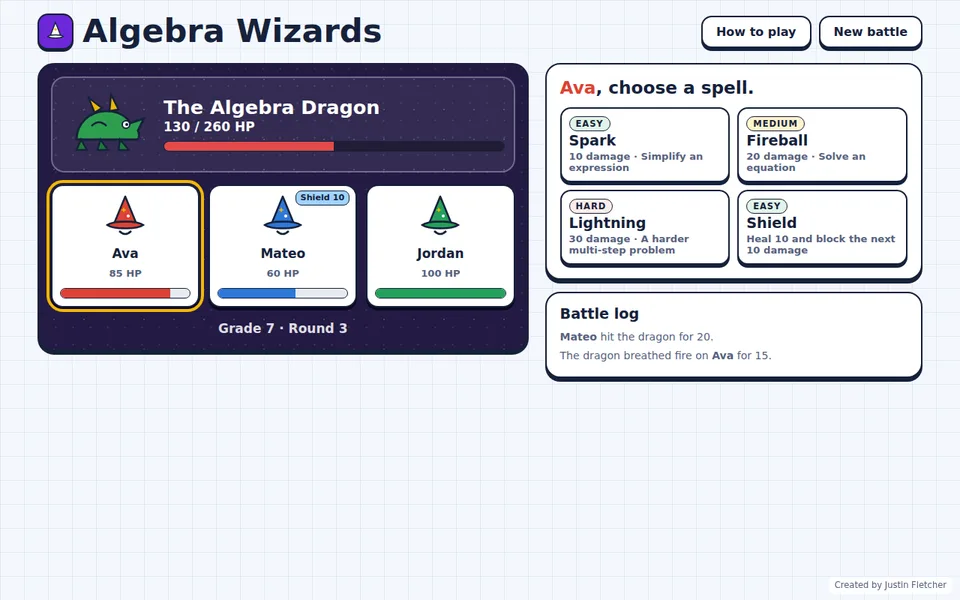
Cast Spark, Fireball and Lightning by simplifying expressions and solving equations. Duel other wizards, or team up to beat the Algebra Dragon with systems of equations.
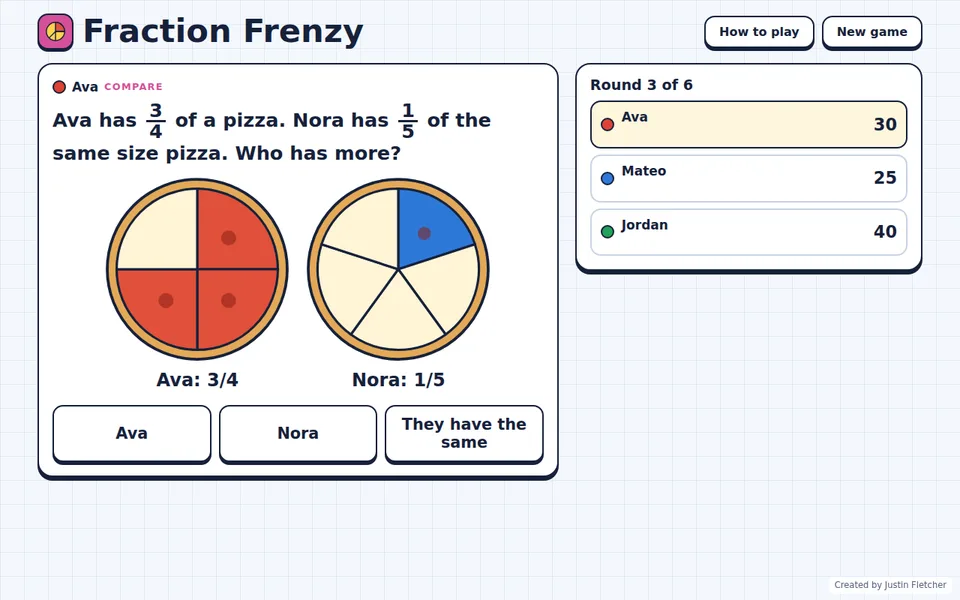
Pizza-powered fraction challenges: compare slices, shade fractions, place them on a number line, solve operations and convert to decimals and percents.
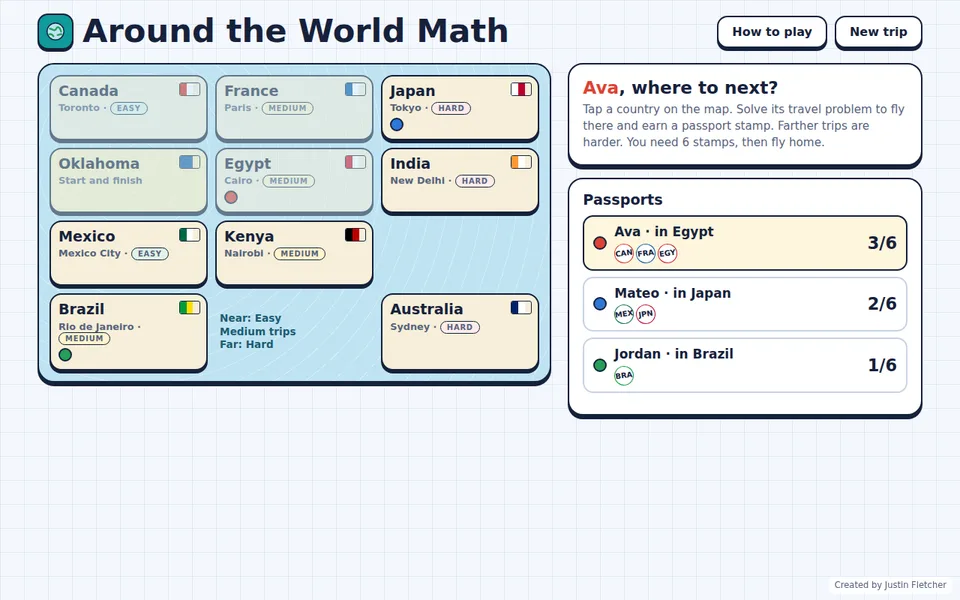
Fly from Oklahoma to Japan, France, Kenya and more. Solve each trip's money, distance, time or measurement problem to earn a passport stamp, then race home.
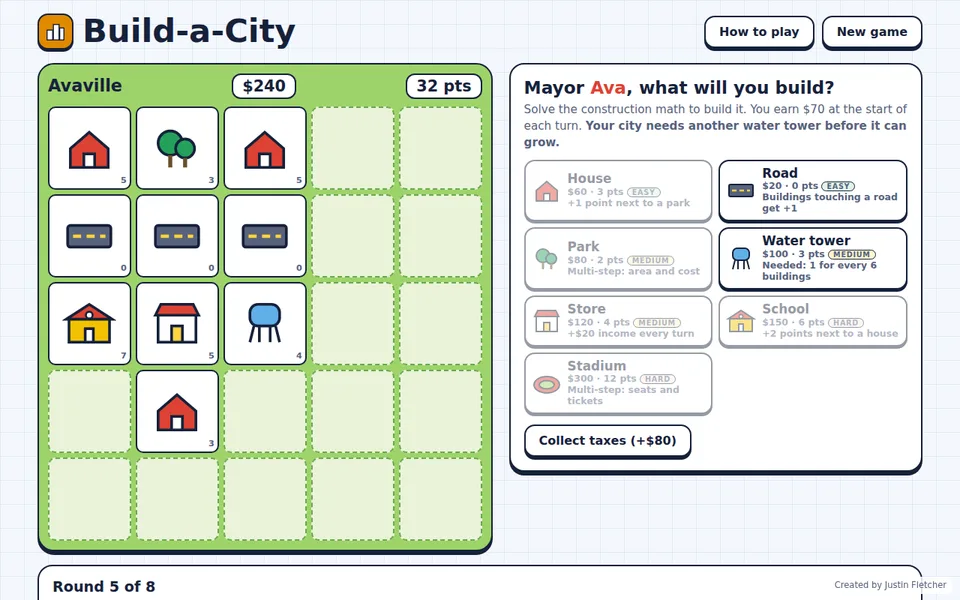
Budget and build houses, parks, schools, stores and stadiums. Every building needs its construction math done right, like a park's area, grass cost and discount.
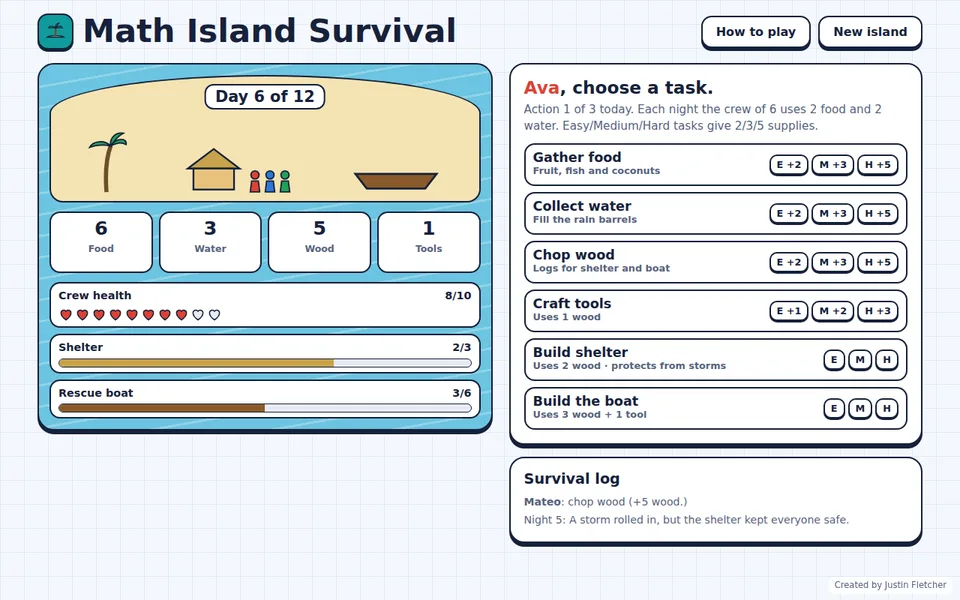
The class is stranded! Work together to gather food and water, build a shelter and finish a rescue boat before the days run out.
Yes. Save the game file to the Chromebook, open the Files app and click it. It opens in Chrome and plays with WiFi turned off.
No. There are no student accounts, no passwords and nothing to install. The teacher opens the game and the class plays.
No. The games don't send anything over the internet. Scores and turns stay on the screen in front of your class.
Yes. Copy the files anywhere your devices can reach: a USB drive, a shared network drive or each computer's Downloads folder.
The free demos run on this website, so you need internet to open them. The full game you download is the one that works offline.
Only the lettering. Online, the games use our rounded classroom font. Offline, they use your computer's built-in font. Everything else works the same.
The All-Access Teacher License includes every game, every grade and all future games, all playable offline.