Best Math Games for Remote Learning and Hybrid Classes
Why this matters
Remote students drift away fast when the class splits in two. A shared game gives everyone, at home or in the room, the same thing to focus on and a team to belong to.
Hybrid teaching is hard because there are really two classes: the one in front of you and the one on the screen. Games can pull them back together, as long as you pick ones that work for both.
What works for remote and hybrid classes
- One shared screen. A game everyone can watch is easier than getting every student into the same app.
- Mixed teams. Put remote students on teams with students in the room so nobody is playing alone.
- No logins. Remote students already juggle enough links and passwords.
- Turn-based play. Teams take turns, so a little video lag doesn't matter.
How to run a Fletcher Math game in a hybrid class
- Open the game on your computer. It runs in the browser and works offline, so it won't slow down your video call.
- Share your screen on the call and put it on the smartboard for the room.
- Split the class into up to 6 teams and mix remote and in-person students.
- Each team talks it over (in the chat or out loud) and calls out its answer. You tap it in.
Games that work well on a shared screen
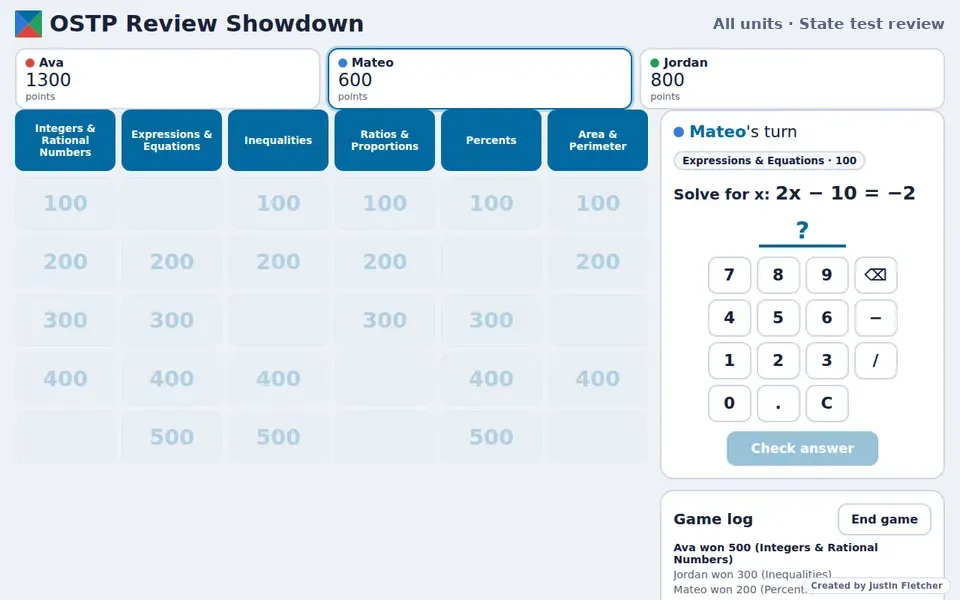
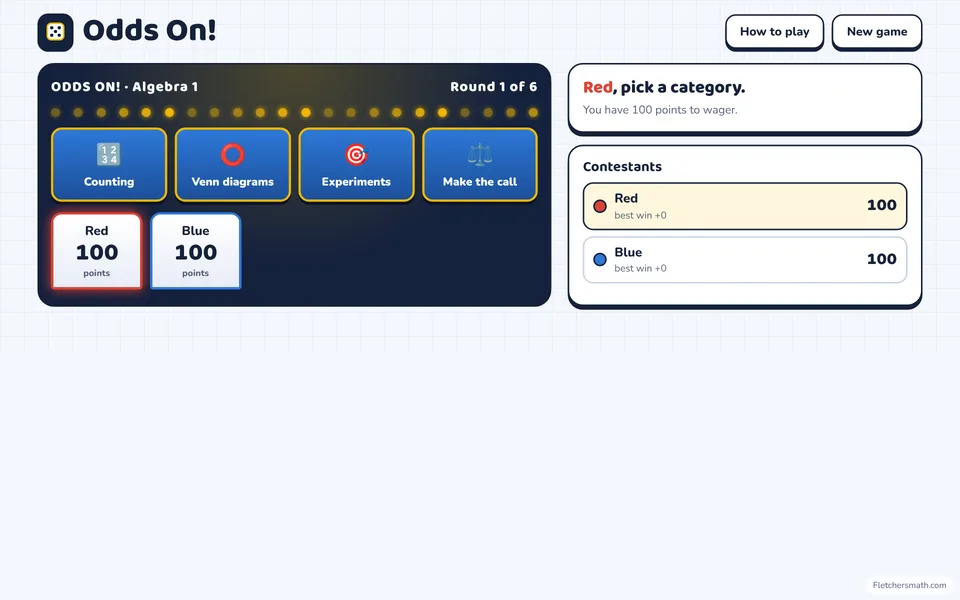
- OSTP Review Showdown and Odds On!: Game-show style. Teams pick categories and point values.
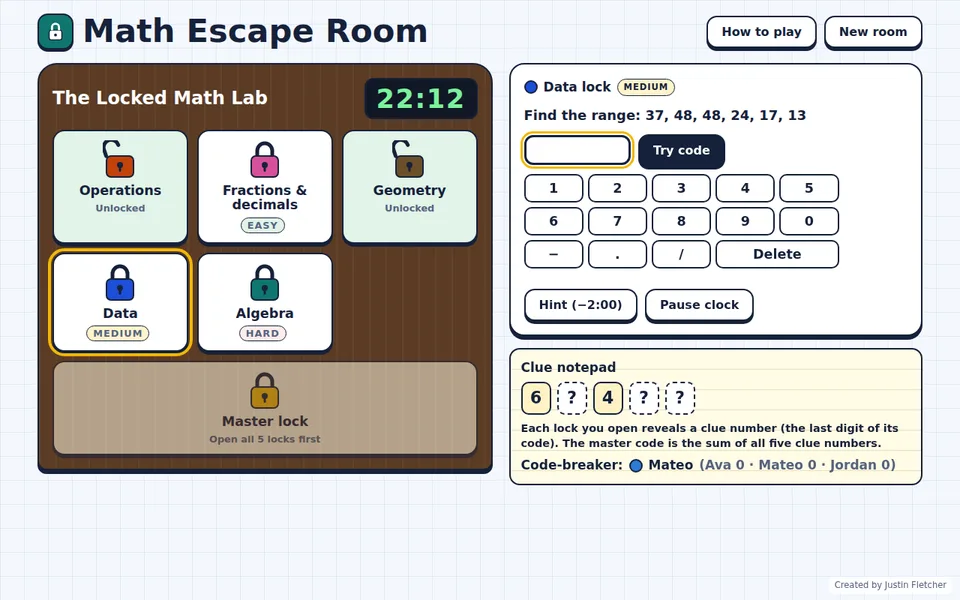
- Math Escape Room: Teams work together to crack the locks before time runs out.
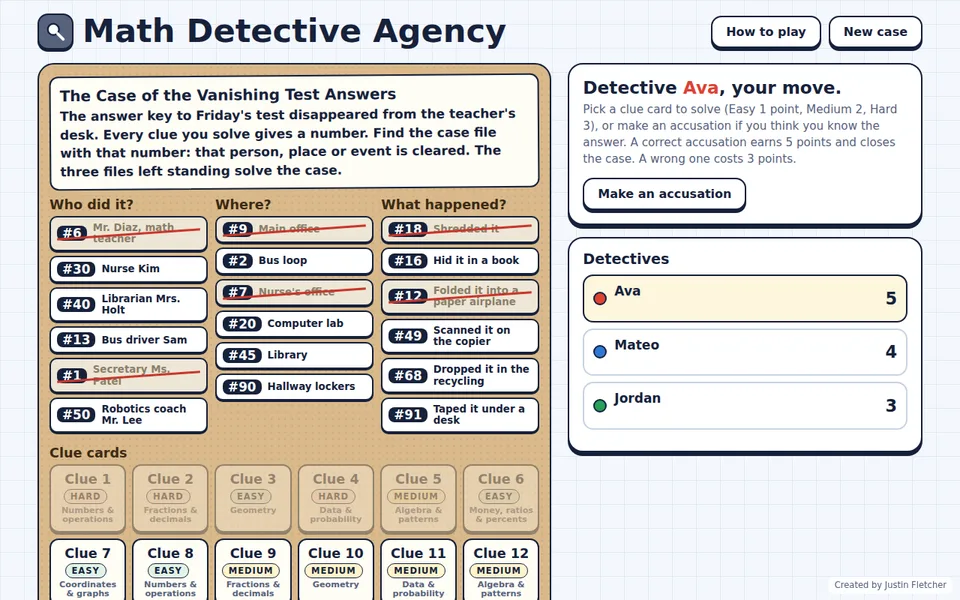
- Math Detective Agency: Each solved clue clears a suspect. Great for teams discussing in a chat.
- Math Island Survival: The whole class works together to get rescued.
Tips
- Have remote students solve on paper and hold it up to the camera before the team answers.
- Rotate which student speaks for each team.
- Keep rounds short so attention doesn't drift.
Common questions
Do students need to install anything at home?
No. Students just watch your shared screen and call out answers. Only the teacher needs the game file.