Interactive Math Games for Whole Class Engagement
Most math apps are built for one student on one device. A whole-class game does something those can't: it gets 25 students thinking about the same problem at once, talking it through, and caring about the answer.
The hardest part of a whole-class game isn't the game. It's keeping 25 students involved when only one team is answering at a time. Here's how to set it up so everyone stays in it.
Set up teams, not turns
Split the class into 4 to 6 teams. Fletcher Math games track up to 6 players or teams on one screen, with scores and turns handled for you. Teams of four or five are big enough to share ideas and small enough that no one hides.
Everyone solves, one team answers
The simplest rule that keeps a whole class engaged: every student solves every problem on a whiteboard or scrap paper, even when it isn't their team's turn. Teams that are waiting can earn a bonus for matching the right answer, or you can let the next team "steal" a missed question.
Games built for the whole class
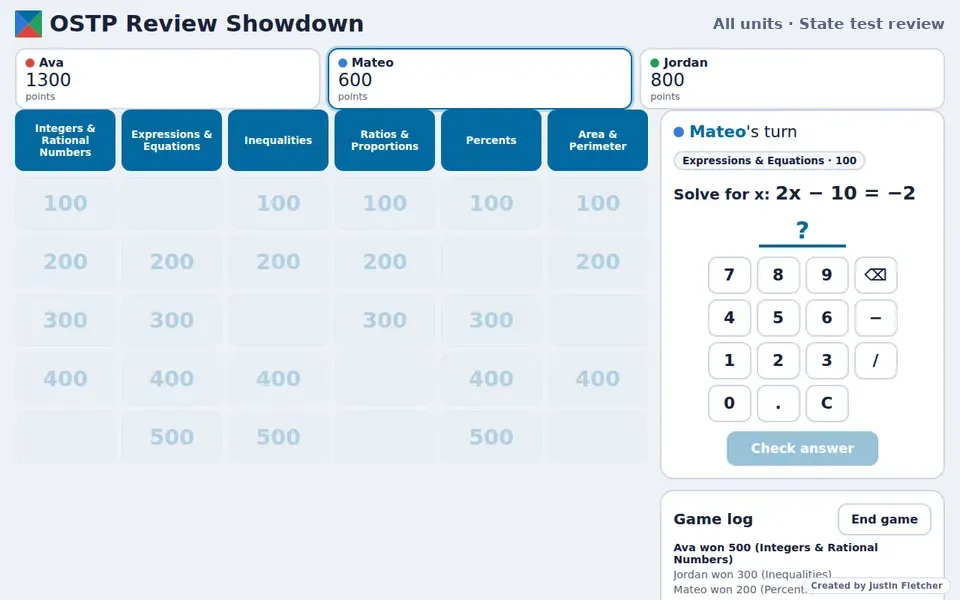
- OSTP Review Showdown: A game show where teams pick categories and point values from units you choose.
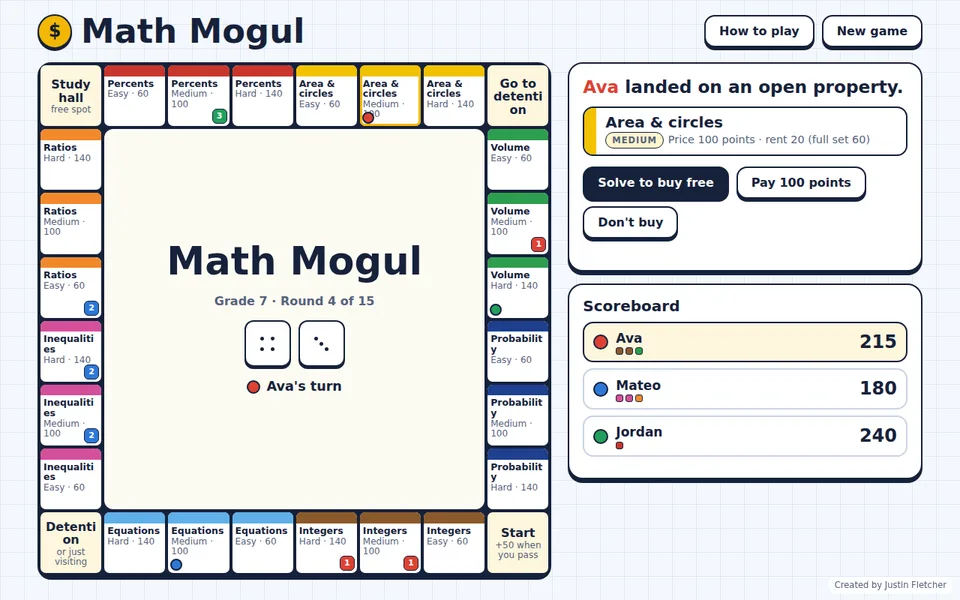
- Math Mogul: Teams buy properties by solving Easy, Medium or Hard problems, then trade and collect rent.
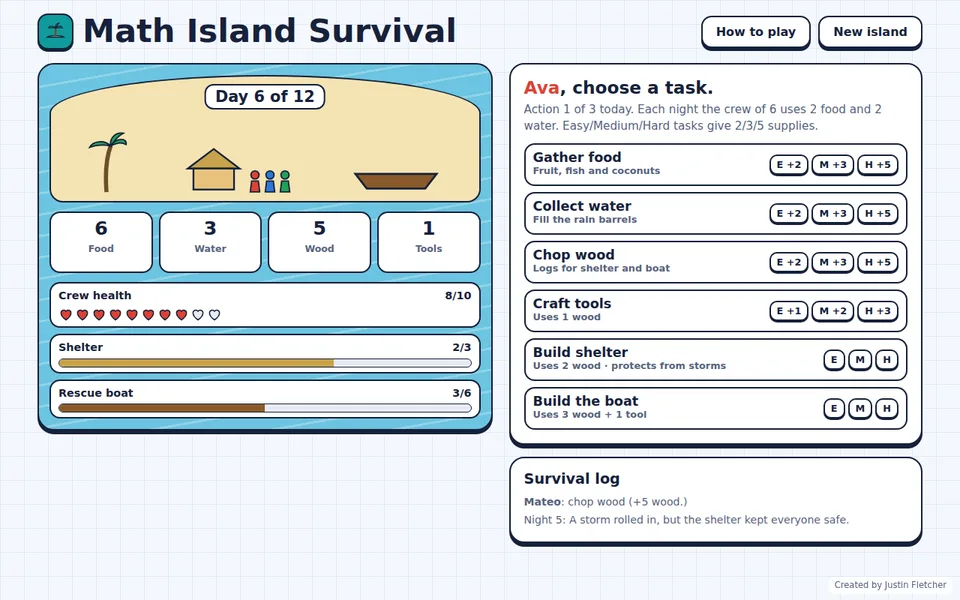
- Math Island Survival: The whole class works together to gather supplies and build a rescue boat before the days run out.
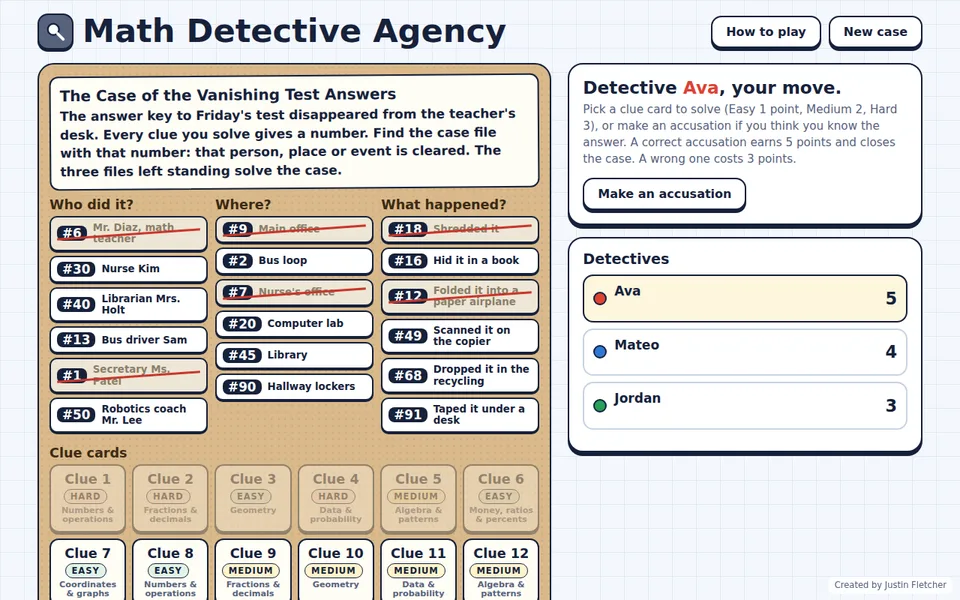
- Math Detective Agency: Every solved clue clears a suspect, place or event until the class can crack the case.
- Balance It!: Miss a step and the next team can steal the equation, so everyone watches every turn.
- Angle Avengers and Odds On!: Game-show formats for angles and probability.
Keep it moving
- Give teams a set amount of time to agree on an answer.
- Rotate who speaks for the team every round.
- Pause after a tricky miss and use the worked steps the game shows as a quick mini-lesson.
See more games for your grade on the browse page.
Common questions
How many teams can play at once?
Up to 6 players or teams share one screen.
Do I need a smartboard?
No. A projector, a TV or a laptop the class can see all work. The games run in any web browser.